How to Get a Free QR Code (in Under a Minute)
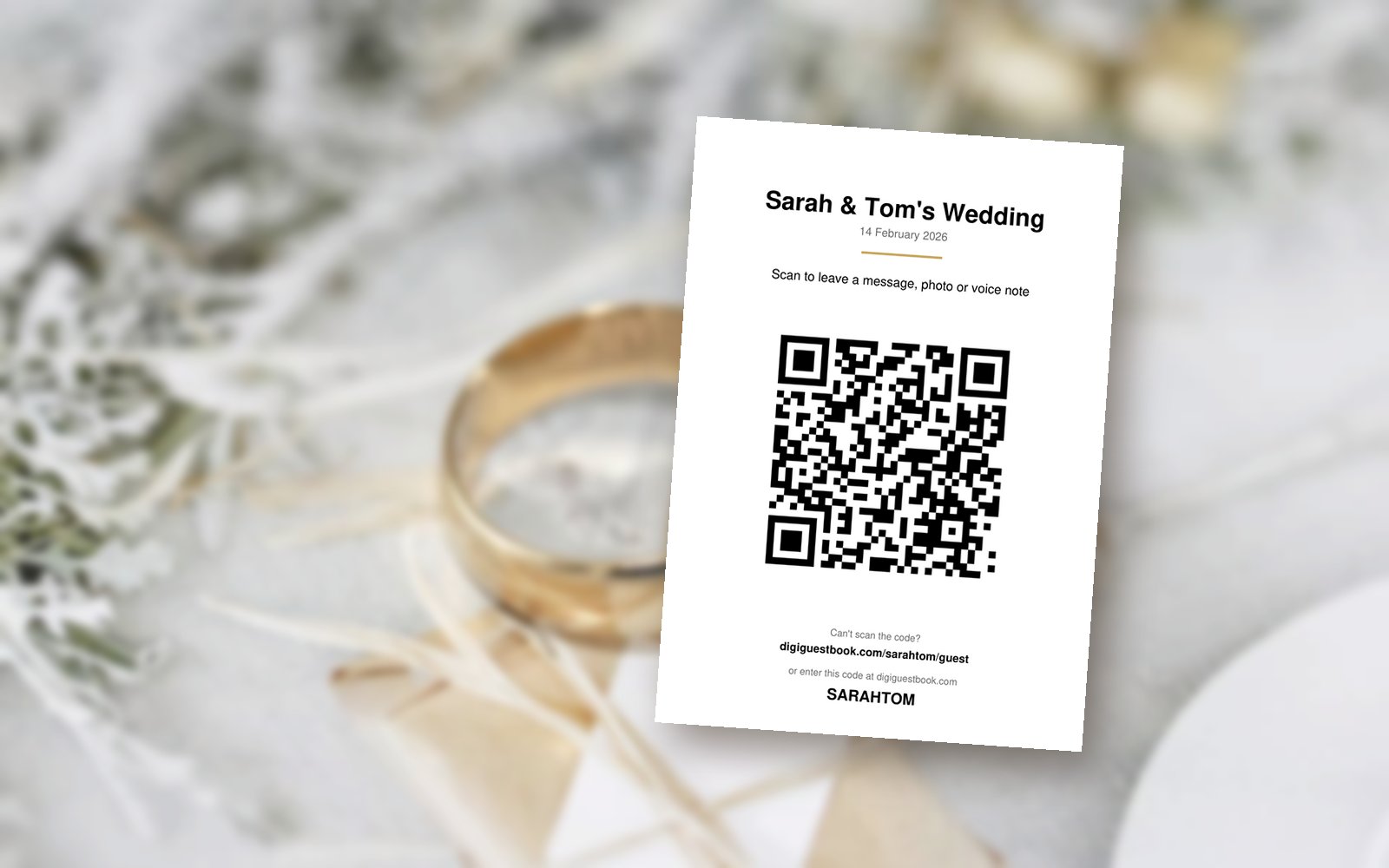
In a hurry? Make your free QR code now: digiguestbook.com/free-qr-code-generator
Good news first: every DigiGuestbook event comes with a free QR code. You'll find it in your event dashboard, ready to download or print as a table sign. Guests scan it and go straight to your guestbook. No app needed.
But we know a lot of you already have one place for everything. A wedding website with the schedule, the RSVP form, the registry and the guestbook. In that case, you want one QR code that points to that website. So we built a free QR code generator.
Step 1: Copy your website link
Open your website and copy the full address from the top of your browser. For example: www.ourwedding.comStep 2: Paste it into our free QR code generator
Go to our free QR code generator and paste your link in. Your QR code appears straight away. No sign-up needed.Step 3: Download it
Download the PNG for screens and invitations, or the SVG for printing. That's it, you're done.Three quick tips
Watch out for "dynamic" codes elsewhere. Some free QR sites make codes that stop working after a trial unless you pay. Ours are "static": your link is built into the code, so it works forever.Test it before you print. Scan it with your own phone, and ask a friend to try theirs too.
Add your guestbook link to your website. Put your DigiGuestbook link on your website, so guests who scan your one QR code can still find the guestbook in one tap.
One code or two, your guests will get where they need to go. Happy hosting!